
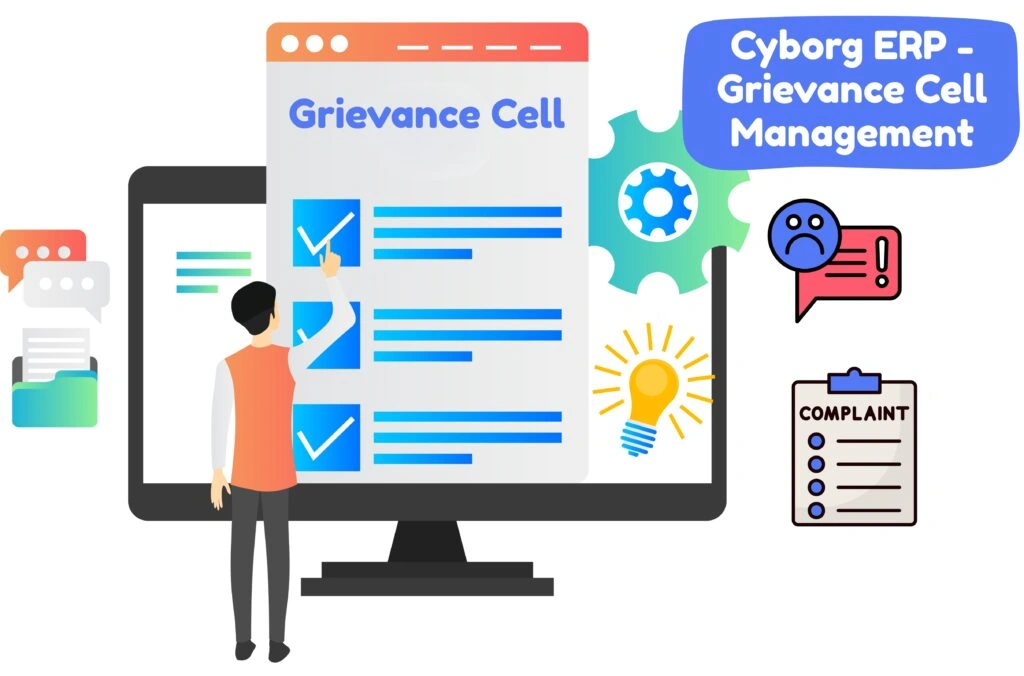
Give students and employees a trusted place to raise issues—and give your administration a single, auditable workflow to resolve them. The Grievance Cell Management module centralizes complaints, committees, timelines, hearings, and outcomes with full visibility and compliance.
Create your own taxonomy—e.g., discipline, harassment, fees, assessment, facilities—and precise sub-types for sharper routing and reporting.
Assign resolution periods in days or hours so every case runs on a clock. SLA breach indicators keep teams accountable.
Constitute committees for employees, students, or both. Add members, set authority levels, and record objectives. Person-wise or level-wise access is supported.
Capture subject, description, location, date, and attachments. Search and add the offender/party involved (student/employee) from the directory. Cases auto-route to the right committee.
Tabbed views—All, New, Opened, Progress, Review, Approved—show real-time status. Add minutes, upload evidence, assign tasks, or revert for clarification.
Document hearings, actions, and decisions with digital sign-off. Upload orders/letters and close cases with reason codes for clean analytics.
View session-wise history, committee load, and timelines. Export registers for council meetings, statutory submissions, or NAAC/IQAC audits.
Experience Modern Grievance Cell Management
Want to see how Cyborg Grievance Cell Management streamlines complaint handling, improves transparency, and strengthens campus governance? Get a personalized walkthrough tailored to your institution.
Ans: Yes. You can create student-only, employee-only, or combined grievance committees depending on institutional policy.
Ans: Yes. You can define different SLAs (in days or hours) for each grievance type and sub-type.
Ans: Role-based access control ensures that each case is visible only to the assigned committee members and authorized officials.
Ans: Yes. You can upload all supporting documents such as notices, minutes, committee comments, and final orders — all stored with time-stamped logs.
Ans: The module supports multiple traceable stages such as New, Opened, Progress, Review, Approved/Closed for complete transparency.